
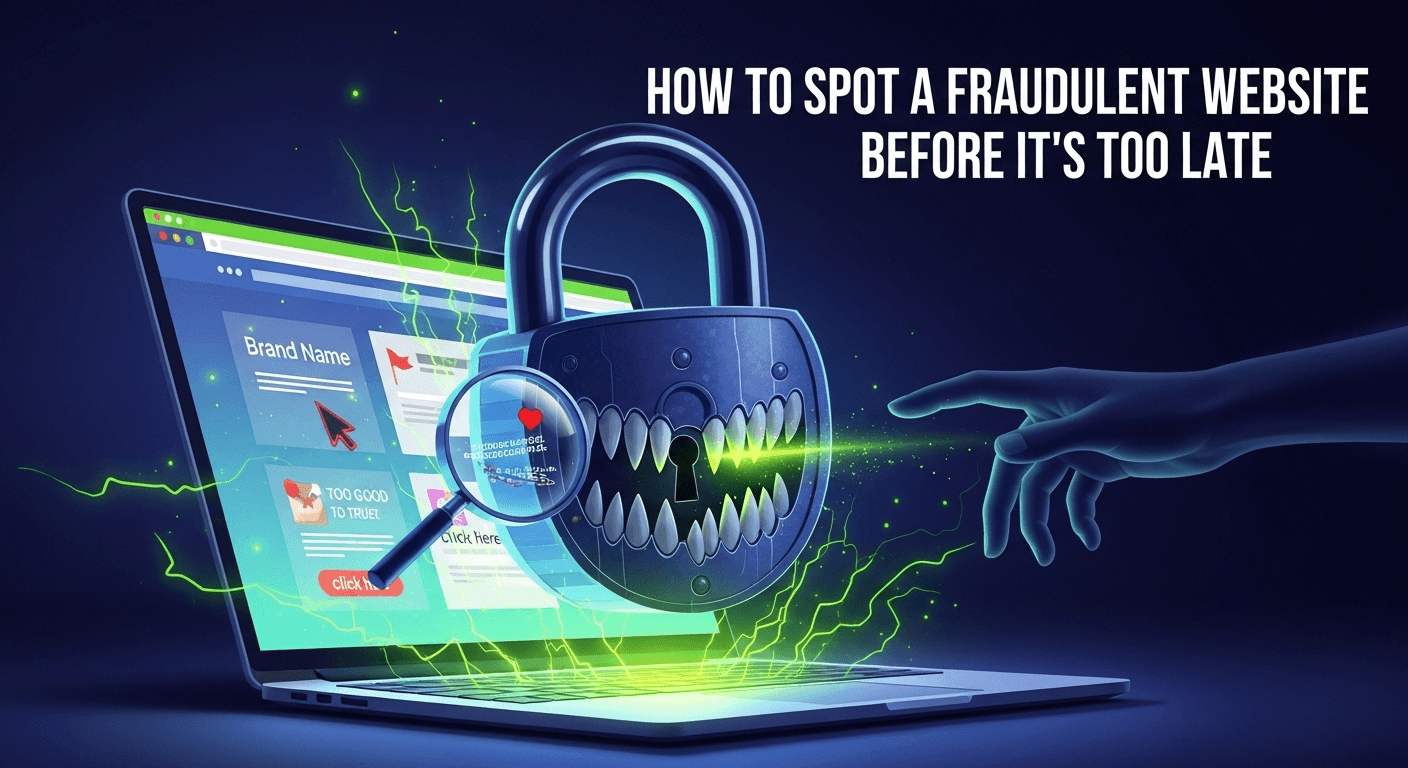
The internet is a vast marketplace, a library of endless information, and a social hub connecting billions. With just a few clicks, you can find a vintage leather jacket at half price, book a dream vacation, or subscribe to a niche streaming service. But with this incredible convenience comes a significant risk. For every legitimate online store, there's a shadowy counterpart designed to steal your money and personal information. The thrill of finding an unbelievable deal can quickly turn into the dread of being scammed. Learning how to identify a fraudulent website is no longer just a helpful tip; it's a critical digital survival skill for everyone. This guide will walk you through the essential checks and red flags, empowering you to navigate the web with confidence and keep your finances secure. How to Spot a Fraudulent Website Before It's Too Late Scrutinize the URL and Domain Details The very first piece of information you interact with is the website's address, or URL. Scammers are masters of deception, and the URL is their primary playground. A quick glance is not enough; you must become a detective and examine every character for clues. A fraudulent URL is often designed to look almost identical to a legitimate one, preying on our tendency to scan rather than read carefully. Taking an extra five seconds to analyze the address bar can save you from weeks of financial and personal data headaches. This initial check is your first line of defense. It's a simple, non-technical step that can immediately expose a huge number of scams. Before you even consider the website's content, its deals, or its products, make the URL your focus. Think of it as checking the ID of a stranger at your door; you wouldn't let them in without verifying who they are, and the same principle applies to the websites you visit. Check for HTTPS and the Padlock Icon The "S" in HTTPS stands for "Secure." It means the data transferred between your browser and the website is encrypted. You can verify this by looking for a small padlock icon in the address bar next to the URL. For years, "look for the padlock" was the gold standard of online safety advice. However, this is no longer a surefire sign of a legitimate site. Today, it's incredibly easy and free for anyone, including scammers, to obtain an SSL certificate that enables HTTPS. While the presence of HTTPS is a basic requirement for any trustworthy site handling your data, its absence is a massive, unignorable red flag. If a website asks for personal or payment information and does not have HTTPS, leave immediately. But remember, a scam site can have the padlock. It only means your connection to their server is secure; it says nothing about what they will do with your data once they have it. Treat HTTPS as a minimum entry requirement, not a certificate of authenticity. Analyze the Domain Name for Subtle Tricks This is where scammers get clever. They use a technique called typosquatting, where they register domain names that are common misspellings of popular sites. For example, they might use `Amaz0n.com` (with a zero instead of an 'o') or `Pay-pal.com` (with an unnecessary hyphen). They rely on you typing the name from memory and making a small mistake. Always double-check the spelling of the domain name, especially if you arrived at the site through a link in an email or a social media ad. Another trick involves using subdomains to create a false sense of security. A scammer might create a URL like `apple.id.security-renewal.com`. Your eye might catch "apple.id," but the true domain is `security-renewal.com`, which is a completely unrelated and likely malicious site. Also, be wary of unusual Top-Level Domains (TLDs). While `.com`, `.org`, and country-specific TLDs like `.co.uk` are common, scammers often use newer, cheaper TLDs like `.xyz`, `.biz`, `.club`, or `.top` to set up temporary scam sites. A legitimate global brand is highly unlikely to operate its main e-commerce site on a `.shop` or `.info` domain. Use a WHOIS Lookup for Transparency Every domain name registration includes public information about the owner, which is stored in a database called WHOIS. You can use a free online WHOIS lookup tool to search for the domain you're investigating. What you're looking for are signs of legitimacy or, more importantly, signs of concealment. A reputable business will often have its company name, address, and contact information listed in the WHOIS records. On the other hand, a fraudulent website will almost certainly use a "privacy guard" service to hide the owner's identity. While some legitimate site owners use privacy guards for valid reasons, it's a significant red flag when combined with other suspicious elements. Another crucial piece of information is the domain's creation date. If a website offering massive discounts on popular electronics was created just two weeks ago, you should be extremely skeptical. Scammers set up these sites, run their scam for a few weeks or months, and then disappear. A very recent registration date is a strong indicator of a temporary, fraudulent operation. Evaluate Website Design and Content Quality After clearing the URL check, your next focus should be the website itself. A legitimate business understands that its website is its digital storefront. They invest significant time and money into professional web design, high-quality product photography, and well-written copy. A fraudulent website is built for one purpose: to make a quick profit before being shut down. This difference in objective is almost always reflected in the quality of the site. Think of it like walking into a physical store. If the windows are dirty, the shelves are messy, signs are misspelled, and the lone employee seems evasive, you'd probably turn around and leave. You should apply that same level of critical judgment to your online experience. Poor quality is a loud and clear warning sign that something is amiss. Scammers are often in a hurry and may not be native speakers of the language their site




