
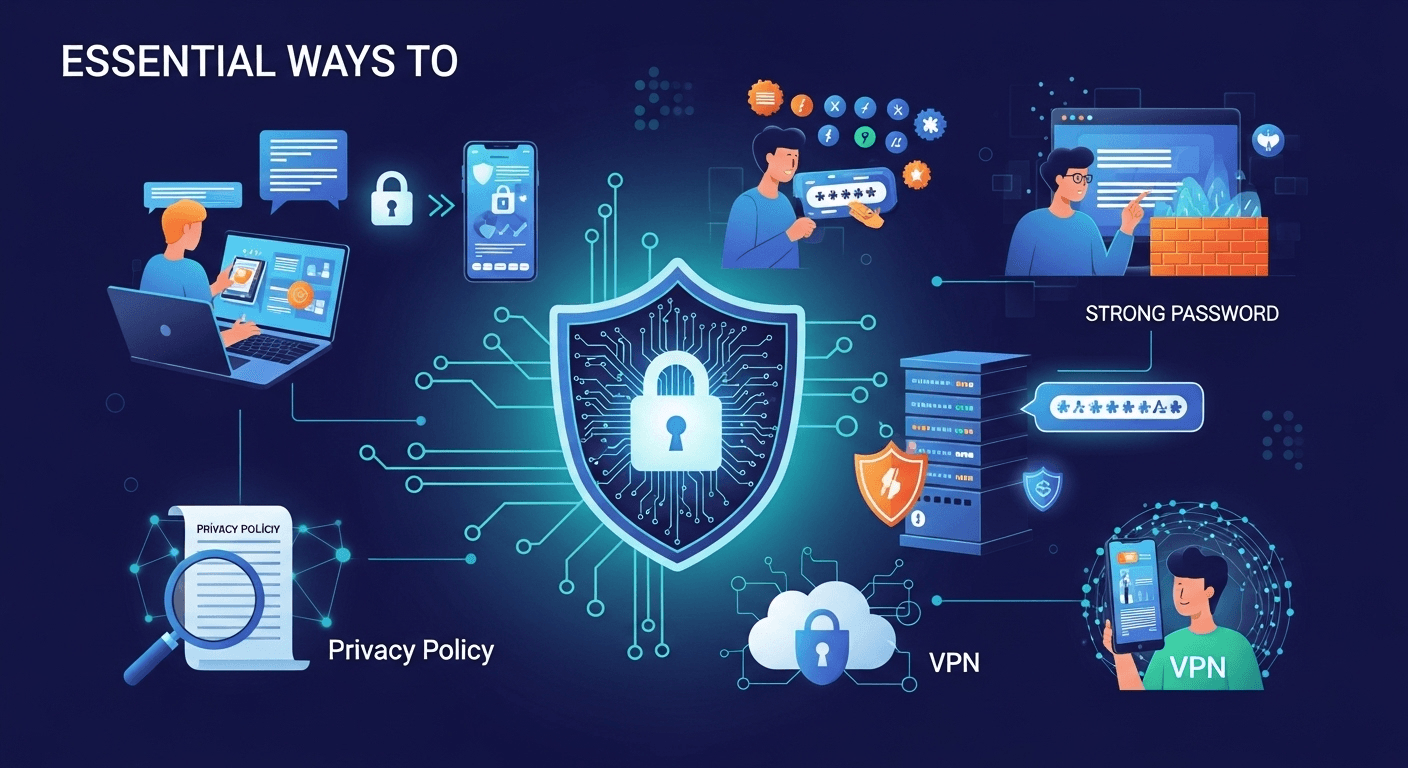
In our hyper-connected world, personal data has become the new currency. Every click, every search, and every social media post contributes to a vast digital profile that companies and, unfortunately, malicious actors find incredibly valuable. The casual way we share information can leave us vulnerable to everything from targeted advertising to sophisticated identity theft. Because of this, understanding the essential ways to protect your personal data online is no longer optional—it's a critical life skill. This guide will walk you through comprehensive strategies and actionable steps to reclaim control over your digital identity and fortify your online presence against prying eyes. Understanding Your Digital Footprint: The First Step to Protection Before you can effectively protect your data, you must first understand what you are protecting. Your digital footprint is the trail of data you leave behind when you use the internet. It includes everything from the websites you visit, the emails you send, and the information you submit to online services. This footprint is composed of two main types: active and passive. Your active digital footprint includes data you adeliberately share, such as posting on social media, filling out online forms, or sending an email. Your passive digital footprint, on the other hand, is data collected without you actively providing it, like your IP address, browsing history tracked via cookies, and location data gathered by apps. Recognizing the extent of your digital footprint is a sobering but necessary exercise. Think about the accounts you've created over the years—old email addresses, forgotten social media profiles, forum memberships, and subscriptions to services you no longer use. Each of these represents a potential vulnerability. A data breach at a company you haven't interacted with in a decade can still expose your email and password, which you might have reused elsewhere. This is why a proactive approach is crucial; you cannot secure what you do not know exists. Taking stock of this footprint is the foundational step in building a robust online security posture. It allows you to identify and eliminate old, unnecessary accounts that serve only as liabilities. By understanding how and where your data is stored, you can begin to make more informed decisions about what information you share and with whom. This initial audit transforms the abstract concept of "online data" into a tangible inventory of your personal information scattered across the web, empowering you to start the cleanup process and implement stronger protections moving forward. ### How to Audit Your Online Presence Auditing your online presence is like doing a deep clean of your digital life. The first and most straightforward step is to search for yourself online. Use major search engines like Google, Bing, and DuckDuckGo. Search for your full name, your name with your city, your email addresses, and any old usernames you can remember. Enclose your name in quotation marks (e.g., "John Doe") to get more precise results. This will show you what information is publicly accessible, from social media profiles and public records to old news articles or forum posts you may have forgotten about. Once you have a list of accounts and mentions, the real work begins. Visit each service and profile you find. If it's an account you no longer need, find the option to permanently delete it, not just deactivate it. Deactivation often leaves your data on the company's servers. For accounts you wish to keep, dive deep into the privacy and security settings. This is a critical step. Review who can see your posts, who can find you via your email or phone number, and what data the platform is collecting. Services like Google's Privacy Checkup and Facebook's Privacy Settings are powerful tools that guide you through this process, allowing you to limit data tracking and public visibility. Fortifying Your Accounts: The Core of Digital Defense The most direct line of defense for your personal data is the security of your individual online accounts. Each account, whether for banking, email, or social media, is a gateway to a piece of your life. If a cybercriminal gains access to just one critical account—like your primary email—they can often initiate a domino effect, using it to reset passwords for your other services and take over your entire digital identity. Therefore, making your accounts as difficult as possible to breach is a non-negotiable aspect of online safety. This fortification process goes beyond simply using a "strong" password. It involves a multi-layered approach to security. You must treat your login credentials as the keys to your digital kingdom because that is precisely what they are. This means adopting habits and using tools that were once considered overkill but are now standard practice for anyone serious about their security. From creating truly random passwords to enabling an extra layer of verification, these methods work together to create a formidable barrier. The goal is to make the effort required to compromise your account greater than the potential reward for the attacker. Most cybercriminals are opportunistic; they look for easy targets. By implementing robust security measures, you make yourself a much harder target, encouraging them to move on to someone with weaker defenses. This proactive stance ensures that even if a service you use suffers a data breach, your account is less likely to be compromised. ### The Art of Crafting Unbreakable Passwords The advice to "use a strong password" is common, but what does it actually mean? A truly strong password is not just a word with a few numbers and symbols tacked on (e.g., `Password!1`). Modern password-cracking software can guess such combinations in seconds. Instead, the focus should be on length and randomness. A better approach is to use a passphrase—a sequence of random words strung together, like `correct-horse-battery-staple`. This is significantly longer, easier for you to remember, and exponentially harder for a computer to brute-force. The best practice is to use a unique and random password for every single online account. Reusing passwords is one of the most dangerous habits in the digital world. If




