
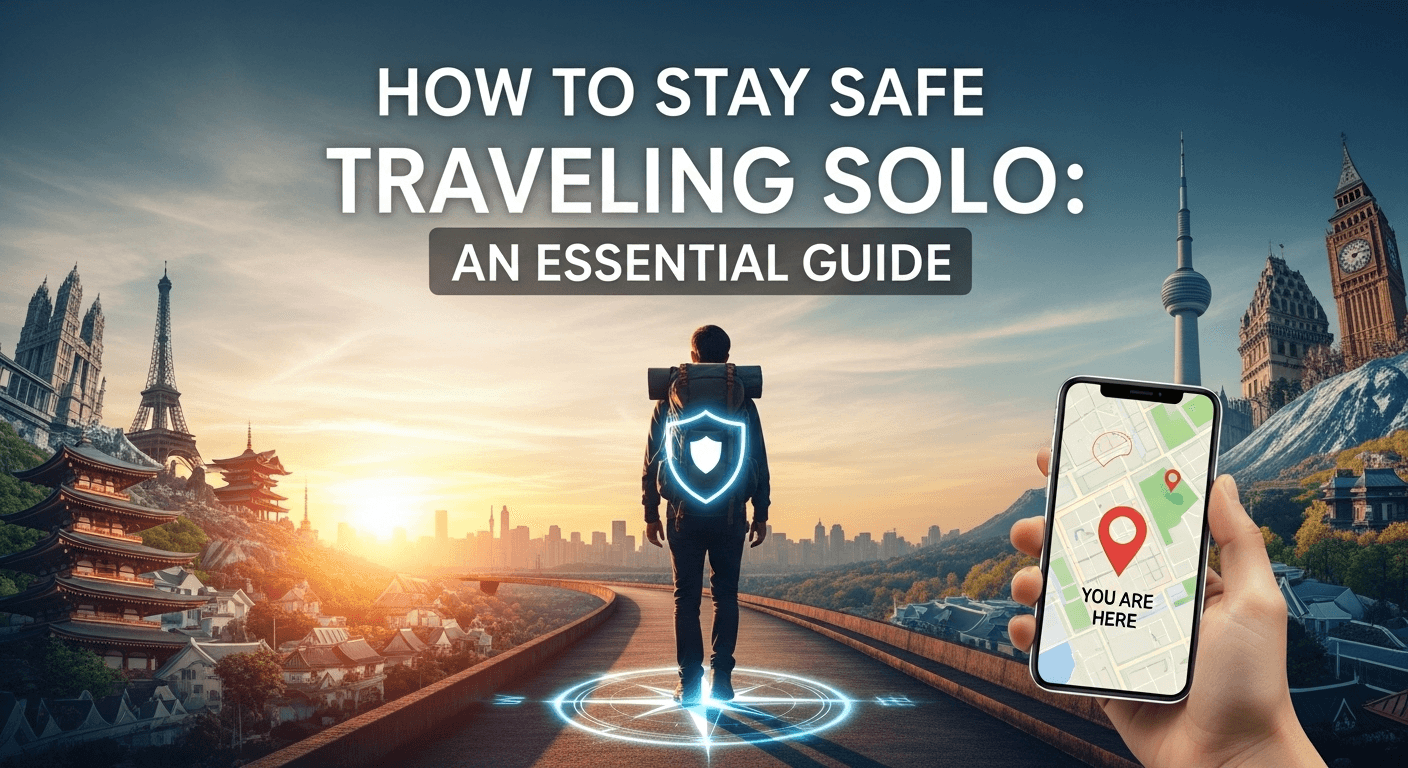
Traveling solo is one of the most liberating and transformative experiences a person can have. It's a journey of self-discovery, pushing you out of your comfort zone and connecting you with the world on your own terms. However, the excitement of planning a solo adventure is often accompanied by a flicker of apprehension, especially concerning personal safety. Friends and family might voice their concerns, and headlines can seem daunting. The key to unlocking the full potential of this incredible experience lies not in fear, but in preparation and awareness. This guide is designed to be your comprehensive resource on how to stay safe when traveling solo, empowering you with the knowledge and tools to navigate the globe confidently and securely. The Foundation of Safety: Pre-Trip Preparation and Research The single most important phase for ensuring a safe solo trip happens before you even pack your bags. Thorough preparation is your first and best line of defense. By investing time in research and planning, you minimize uncertainties and equip yourself to handle potential challenges with confidence. A well-prepared traveler is less likely to appear vulnerable and is better equipped to make smart decisions on the ground. This foundational step is not about eliminating all spontaneity; rather, it’s about creating a secure framework within which you can freely and safely improvise. Your preparation should be multi-faceted, covering everything from the cultural nuances of your destination to the fine print of your travel insurance. Consider this phase your homework; the more you do now, the less you'll have to worry about later. A solid plan reduces anxiety and replaces it with a sense of control, allowing you to focus on the joy and wonder of the journey ahead. Think of it as building a house. You wouldn't start putting up walls without a solid foundation. Similarly, you shouldn't land in a new country without a foundational understanding of its environment, customs, and potential risks. This proactive approach to safety is what distinguishes a savvy solo traveler from a naive tourist. Researching Your Destination Thoroughly The first step is to become an expert on where you're going. Go beyond glossy travel blogs and idyllic Instagram posts. Dive deep into official sources like your home country's government travel advisories (e.g., the U.S. Department of State or the UK's FCDO). These sites provide up-to-date information on political stability, common scams, health risks, and specific areas to avoid. This isn't meant to scare you, but to inform you of the reality on the ground. Furthermore, research local customs and cultural etiquette. How should you dress? Are there specific gestures or behaviors that are considered rude? Understanding and respecting the local culture not only enriches your experience but also helps you blend in, which is a powerful safety tool. Learning a few key phrases in the local language, such as hello, thank you (gracias, merci), excuse me, and help, can be incredibly useful and is often appreciated by locals. This effort shows respect and can be a bridge to getting assistance if you need it. Choosing Safe Accommodation Where you sleep is your sanctuary, and its safety is paramount. When booking accommodation, whether it’s a hotel, hostel, or Airbnb, a meticulous approach is necessary. Start by reading recent reviews, paying special attention to comments from other solo travelers, especially solo female travelers. Look for mentions of location safety, staff helpfulness, security features like 24-hour reception, keycard access to floors, and in-room safes or secure lockers. Location is just as important as the accommodation itself. Use Google Maps and its Street View feature to get a virtual feel for the neighborhood. Is it well-lit at night? Is it located on a main street or tucked away in a dark alley? Check its proximity to public transportation and reputable restaurants. Opting for a place that's slightly more expensive but located in a much safer, more central area is a wise investment in your peace of mind. For those staying in hostels, consider booking a bed in a female-only dorm for an added layer of comfort and security. Securing Your Documents and Finances Losing your passport or having your credit cards stolen can turn a dream trip into a logistical nightmare. Before you leave, make multiple copies of your essential documents. This includes your: Passport and visa pages Driver's license or other government-issued ID Flight and accommodation confirmations Travel insurance policy Keep one physical set of copies in a separate part of your luggage from the originals. More importantly, have digital copies stored securely in the cloud (e.g., Google Drive, Dropbox) and on your phone. Also, email a copy to yourself and a trusted contact back home. This redundancy ensures you can access your information from anywhere in the world, even if all your physical belongings are lost. For finances, never carry all your cash and cards in one place. Split them between your wallet, a money belt worn under your clothes, and a secure pocket in your daypack. Inform your banks of your travel dates and destinations to prevent them from freezing your cards due to suspected fraudulent activity. Situational Awareness: Your Most Powerful Tool on the Ground Once you arrive at your destination, your most crucial safety asset is your own mind. Situational awareness is the practice of being present and observant of your surroundings, recognizing potential threats before they escalate. It's not about being paranoid; it's about being engaged with the world around you instead of being lost in your phone or thoughts. A traveler who is alert and aware is a far less appealing target for pickpockets, scammers, and other opportunists who prey on the distracted. Developing this skill involves using all your senses. Listen to the rhythm of the city, watch how people interact, and notice when something feels "off." This constant, low-level monitoring becomes second nature with practice. It allows you to appreciate the details of your environment while simultaneously keeping a protective bubble around yourself. It’s the difference between walking with purpose and
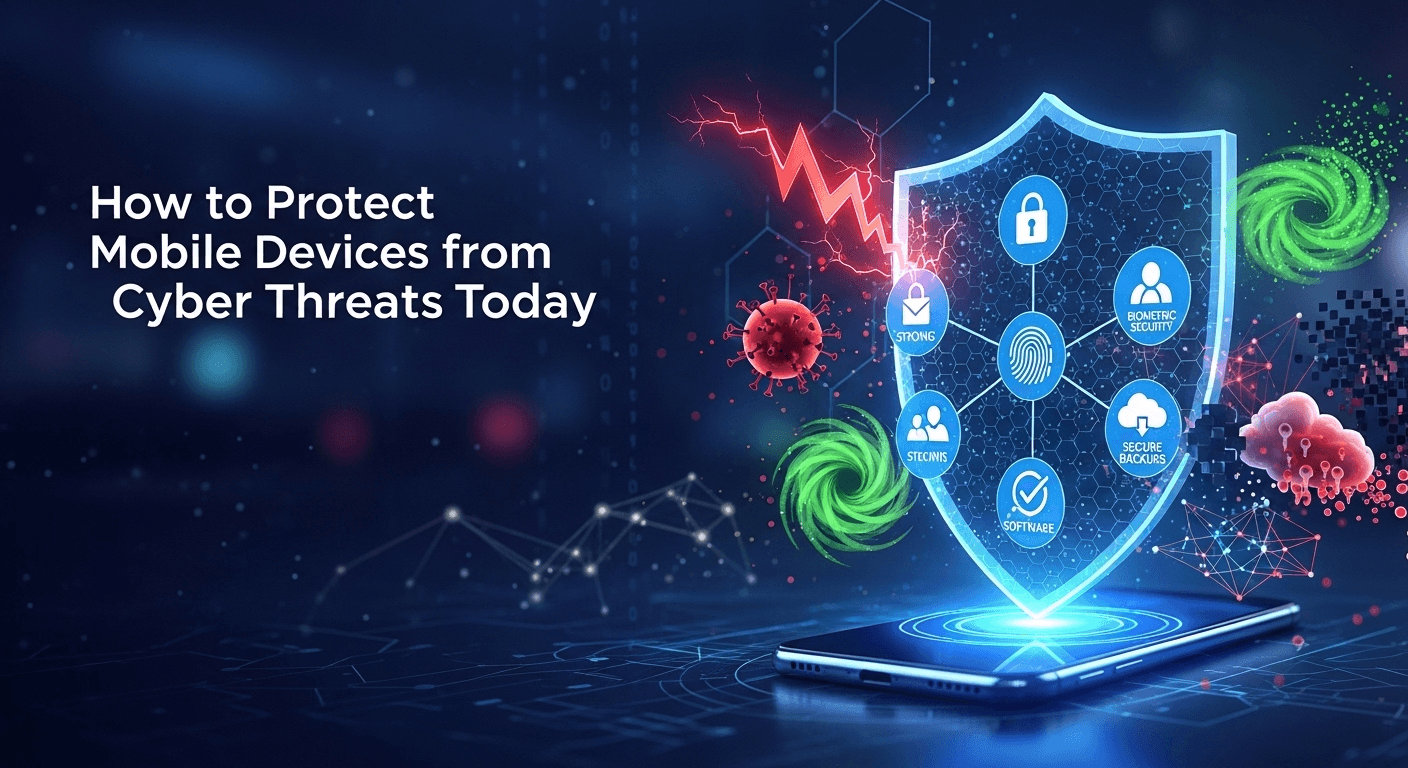
How to Protect Mobile Devices from Cyber Threats Today
<think>Okay, so I'm trying to figure out how to protect my mobile devices from cyber threats. I remember reading that mobile devices are a big target for hackers these days. But where do I even start? First, I think about the basics. Maybe I should lock my phone with a password or fingerprint. That seems like a good first step because if someone can't unlock my phone, they can't access my data. But wait, are all screen locks created equal? I mean, is a four-digit PIN really enough, or should I use something stronger like a longer password or fingerprint? Oh, right, using biometric authentication like fingerprint or face recognition might be more secure than a simple PIN. But I've heard that biometrics can sometimes be fooled with photos or fake fingerprints. So maybe using a strong password along with biometric is better. But I don't want it to be too inconvenient. I mean, entering a password every time I unlock my phone would be annoying. Next, keeping the operating system updated. I remember seeing updates pop up all the time, but sometimes I ignore them because they take time. But those updates probably have security patches, right? So maybe I shouldn't delay them. It's important to keep both the OS and any apps updated because hackers can exploit old vulnerabilities. Then, being careful with apps. I download a lot of apps, but how do I know which ones are safe? I think checking the developer's reputation helps. If I download an app from a well-known company, it's probably safer. Also, I should read permissions carefully. Why does a flashlight app need access to my contacts? That sounds suspicious. Maybe I should avoid apps that ask for unnecessary permissions. Using a VPN is something I've heard about, but I'm not sure how it helps on mobile. I know it's great for Wi-Fi security, especially on public networks like at cafes. So if I use public Wi-Fi a lot, a VPN would encrypt my data and prevent others from snooping. But what's a good VPN? There are so many options, both free and paid. I think paid ones are better because free ones might sell my data or have ads. Backups are another thing. I don't back up my phone regularly. If I lose my phone or it gets hacked, I could lose all my data. So maybe I should set up automatic backups to the cloud or my computer. But cloud backups might require a good internet connection and storage space. I need to check if my phone has that option built-in, like iCloud or Google Backup. Phishing is a big threat. I get a lot of suspicious messages and emails. Sometimes they look legit, but maybe they're trying to steal my info. I should be careful not to click on links or download attachments from unknown sources. Also, verifying the sender is important. Sometimes the email looks like it's from my bank, but the address is slightly off. I need to train myself to look closely at the sender's details. Using antivirus software is something I'm unsure about. Do mobile devices even need antivirus? I don't know, but some apps might have malware. So maybe installing a reputable antivirus app could help detect and remove threats. Also, enabling safe browsing features in the browser could block malicious websites before they load. Encryption might be a bit advanced, but it's worth considering. If my phone is encrypted, even if someone gets in, they can't read my data without the key. I think some phones automatically encrypt data if I set a PIN or password. But encrypting external storage, like an SD card, might be something I need to enable manually. What about when connecting to other devices? I connect my phone to my car's Bluetooth sometimes, and maybe to other devices at home. Bluetooth can be a security risk if it's not secured properly. I should make sure that connections are encrypted and that I don't leave Bluetooth on when I'm not using it. Also, when charging in public outlets, using a charging cable without data transfer might prevent some attacks, though I'm not sure how common that is. Securely wiping data before selling or recycling the phone is something I haven't thought about. If I don't erase everything properly, the next owner might recover my data. So I should look up how to do a factory reset and maybe encrypt the data before wiping it. Putting it all together, I guess the key is to be consistent with these practices. It's easy to overlook some steps, but each one adds a layer of security. Maybe I can make a checklist and go through it monthly to ensure everything's up to date and secure.</think> How to Protect Mobile Devices from Cyber Threats Today In today's digital age, mobile devices are indispensable, but they are also prime targets for cyber threats. Protecting your mobile device involves a combination of common sense, best practices, and the use of security tools. To safeguard your mobile device from cyber threats, follow these essential steps: Secure Your Device with Strong Locks Use Biometric Authentication: Opt for fingerprint or facial recognition for quick and secure access. Choose a Strong Passcode: A PIN or password is essential. Aim for complexity over convenience. Keep Your OS and Apps Updated Regular Updates: Enable automatic updates for your OS and apps to patch security vulnerabilities. App Store Caution: Only download apps from trusted sources and review permissions carefully. Employ a VPN for Public Networks VPN Usage: Use a reputable VPN to encrypt data when using public Wi-Fi. Avoid Untrusted Networks: Be cautious with public Wi-Fi and consider alternatives if possible. Backup Your Data Regularly Automatic Backups: Use cloud services like iCloud or Google Backup for regular data protection. Physical Backups: Consider periodic backups to external drives for added security. Be Vigilant Against Phishing Attacks Educate Yourself: Recognize phishing attempts and avoid suspicious links or downloads. Verify Senders: Check email
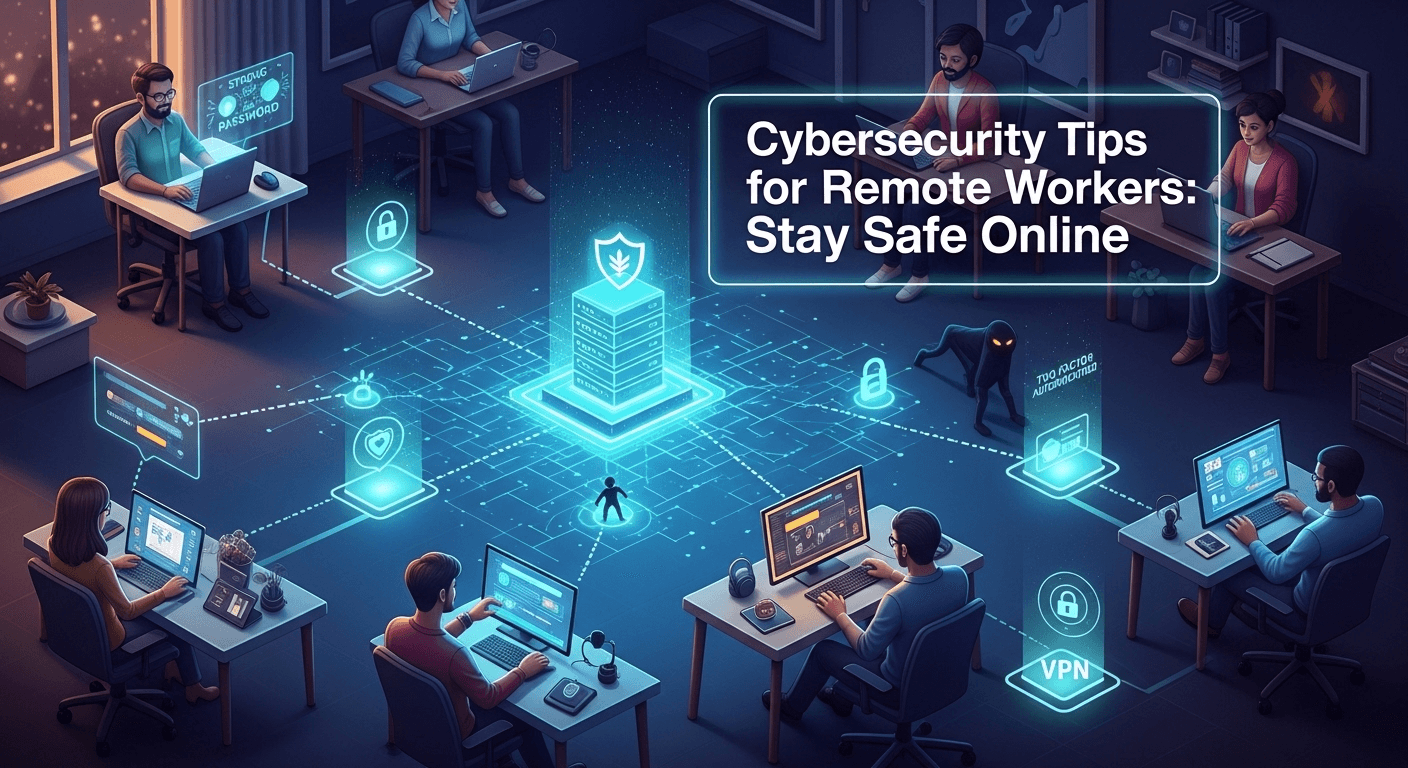
Cybersecurity Tips for Remote Workers: Stay Safe Online
Cybersecurity Tips for Remote Workers: Stay Safe Online Remote work gives us flexibility—but it also widens the attack surface for cybercriminals. If you’re logging in from home, coworking spaces, or on the move, you need a security posture that travels with you. In this guide, you’ll find practical, evergreen cybersecurity tips for remote workers to reduce risk without slowing down your day. From securing devices and networks to spotting social engineering, you’ll learn how to protect your work, your team, and your privacy. Understanding the Remote Work Threat Landscape The New Attack Surface Working outside the traditional office replaces controlled perimeters with personal devices, home routers, and cloud tools. That decentralization creates more entry points for attackers. Remote workers often juggle multiple networks—home Wi‑Fi, mobile hotspots, public Wi‑Fi—which can be misconfigured or unencrypted, giving adversaries more opportunities to snoop or inject malicious traffic. In this environment, your identity becomes the new perimeter. If an attacker can compromise your credentials, they can move laterally across cloud platforms and business apps. That’s why identity-focused defenses such as multifactor authentication and conditional access are critical. The goal is to ensure that even if one layer fails, another stands in the way. Finally, remote collaboration tools—video meetings, chat, file sharing—multiply the vectors for phishing, impersonation, and data leakage. Attackers don’t need to breach a firewall when they can trick an individual into granting access. Understanding this landscape helps prioritize the controls that deliver the biggest protection per minute of effort. Common Remote Work Threats Phishing and social engineering remain the number one threats. Sophisticated emails or direct messages might mimic HR portals, shipping updates, or IT support notices. Malicious attachments, fake login pages, and OAuth app consent scams aim to harvest credentials or deploy malware. Attackers exploit urgency and emotion, especially around payroll, benefits, or security alerts. Unsecured Wi‑Fi and rogue hotspots expose your traffic to interception. Without proper encryption and verification, attackers can perform man-in-the-middle attacks to capture logins or inject malicious content. Even at home, default router credentials and outdated firmware create hidden vulnerabilities. Shadow IT and poor app hygiene also raise risk. When employees adopt tools without security review, sensitive data may end up in platforms with weak controls. Meanwhile, unpatched devices, weak passwords, and shared accounts make it easier for attackers to gain persistence. Why Human Behavior Matters Technology blocks many attacks, but human behavior determines whether those tools are used correctly. A single reused password can undo the protection of a well-configured laptop. Good habits—pausing before clicking, locking your screen, and verifying unexpected requests—create a human firewall that complements technical defenses. Remote work can also blur boundaries. Responding to messages late at night, toggling between personal and work accounts, or downloading files on the go increases cognitive load. Attackers capitalize on distraction. Building routines, like scheduled updates and weekly security checks, reduces the chance of error. Most importantly, reporting suspicious activity early transforms incidents from crises into minor blips. The faster your IT or security team knows about a potential compromise, the smaller the blast radius. Make it a habit to ask, not assume—especially when money or access is involved. Secure Your Devices and Accounts Strong Authentication and Password Hygiene Start with identity. Use multifactor authentication (MFA) everywhere it’s available, especially for email, cloud storage, and productivity hubs. Prefer phishing-resistant factors like FIDO2 security keys or platform authenticators when possible. App-based authenticators are stronger than SMS, which can be vulnerable to SIM swap attacks. Adopt a password manager to generate and store unique, long passwords (16+ characters) for each account. This eliminates reuse and simplifies logins across devices. Enable breach alerts in your manager, and rotate passwords promptly when a site is compromised or when you suspect credential exposure. Avoid shared credentials. If your team needs access to a common account, use enterprise features like delegated access or group permissions. Where supported, enable single sign-on (SSO) so your organization can centrally enforce MFA and session policies. Device Hardening and Updates Keep your operating system and software up to date. Turn on automatic updates for the OS, browsers, and critical apps. Many attacks exploit known vulnerabilities that patches already fix. Don’t ignore firmware: update your UEFI/BIOS, router, and peripherals at least quarterly. Enable full-disk encryption (e.g., BitLocker on Windows, FileVault on macOS) to protect data if your device is lost or stolen. Pair it with a strong device password and ensure the lock screen activates quickly. Disable auto-login and remove unnecessary startup apps to reduce attack surface. Use standard user accounts for daily work and a separate admin account for rare administrative tasks. This least privilege approach limits damage if malware runs on your device. Turn on OS-native protections: Windows Defender or reputable endpoint protection, firewall, and browser security features like DNS protection and Safe Browsing. Mobile Security Basics Phones and tablets often hold sensitive data and tokens for MFA. Keep them locked with biometrics and a strong passcode. Update iOS or Android promptly and uninstall apps you no longer use. Review app permissions and disable those that don’t align with functionality. Avoid sideloading apps and stick to official app stores. Turn off Bluetooth and location services when not needed, and set devices to auto-lock after a short period. For work devices, enroll in your company’s mobile device management (MDM) to enable remote wipe and enforced security policies. When traveling, consider a privacy screen and disable notifications from showing message content on lock screens. Be mindful of shoulder surfing on trains or in cafes. Physical privacy supports digital security. Network and Data Protection Safe Wi‑Fi and VPN Usage At home, change default router passwords, enable WPA3 (or at least WPA2), and update router firmware. Create a separate guest network for visitors and IoT devices to isolate them from work devices. Use a strong, unique Wi‑Fi passphrase and avoid broadcasting what hardware you use in the network name. On the road, avoid logging into sensitive accounts over public Wi‑Fi. If you must connect, use a trusted VPN that supports modern
7 Best VPN for Turkey in 2025, Secure Online
myauxonode.com – Looking for the best VPN for Turkey in 2025? Here are the top 7 VPNs to keep your privacy secure and access blocked content easily! If you’re living in Turkey or planning to visit, the internet landscape may feel a little restricting. With government censorship and geo-restrictions in place, access to many websites and apps is often limited. Whether you’re trying to access your favorite streaming platforms or ensure your online privacy, using a VPN (Virtual Private Network) is an essential tool. But, how do you choose the best VPN for Turkey in 2025? Turkey is known for its heavy internet censorship, which affects access to social media platforms, news outlets, and streaming services. With the increasing surveillance and regulations, using a reliable VPN for Turkey is crucial. But with so many VPN options on the market, it can be tough to figure out which one is right for you. Fortunately, we’ve researched the best VPNs to help you navigate the digital landscape with ease and security. In this article, we’ll take a deep dive into the 7 best VPNs for Turkey in 2025. Whether you’re seeking faster speeds, enhanced security, or access to restricted content, we have the perfect solution for your needs. So, let’s explore the top VPN options and why they should be your go-to choice when online in Turkey. Best VPN for Turkey When searching for the best VPN for Turkey, you’ll want to prioritize factors like speed, privacy, and the ability to bypass censorship. The following VPN services offer all of these features and more, ensuring you have the best internet experience possible while in Turkey. 1. Turkey VPN Turkey VPN is specifically designed with users in mind who are trying to overcome the country’s strict censorship laws. This VPN service offers robust encryption and strong privacy features, which makes it an ideal choice for those concerned with protecting their personal data while online. Key Features: Server Locations: A solid number of servers in Turkey and beyond, ensuring fast and reliable connections. No Logs Policy: Your data is completely private, as Turkey VPN adheres to a strict no-logs policy. Unblock Content: Easily access blocked websites, including social media platforms, news sites, and entertainment services. Turkey VPN offers a user-friendly interface, making it perfect for beginners, while its strong security features make it a good choice for advanced users as well. 2. ExpressVPN ExpressVPN is one of the top choices when it comes to speed, reliability, and security. Known for its high-speed servers and strong encryption, it’s perfect for users in Turkey looking to protect their privacy and bypass geo-restrictions. Key Features: Servers in 94 Countries: With multiple servers around the world, ExpressVPN can easily bypass any geo-blocking or censorship in Turkey. Strong Encryption: 256-bit AES encryption ensures that your data is secure while online. No-Logs Policy: ExpressVPN maintains a strict no-logs policy, making sure that no personal data is stored. ExpressVPN also offers easy-to-use apps across a variety of platforms, from Windows and Mac to iOS and Android. Whether you’re streaming, browsing, or gaming, ExpressVPN provides fast and uninterrupted access. 3. NordVPN NordVPN is another strong contender in the race for the best VPN for Turkey. Known for its military-grade encryption and solid privacy policies, NordVPN is a great option for anyone who wants to protect their online activities from surveillance. Key Features: Double VPN Encryption: For enhanced security, NordVPN offers Double VPN encryption, which routes your traffic through two servers for added protection. CyberSec Feature: Automatically blocks malware, ads, and other unwanted content, making browsing much safer and faster. Large Server Network: With over 5,000 servers worldwide, NordVPN can help you access restricted content in Turkey with ease. NordVPN’s user-friendly interface and excellent customer service make it a popular choice for both beginners and advanced users. Plus, its excellent speed makes it ideal for streaming content in HD. 4. CyberGhost VPN CyberGhost VPN stands out for its robust privacy features and easy-to-use interface, making it a great option for users in Turkey. Whether you want to unblock websites or protect your data, CyberGhost VPN has you covered. Key Features: Dedicated Streaming Servers: CyberGhost offers optimized servers for streaming, so you can access Netflix, YouTube, and other platforms without any issues. No Logs Policy: This VPN service adheres to a strict no-logs policy, ensuring your online activity remains private. Automatic Kill Switch: If your VPN connection drops, the kill switch ensures that your data is never exposed. CyberGhost VPN is a great choice if you want a reliable and easy-to-use VPN with excellent security features and fast speeds for streaming and browsing. 5. Proton VPN Proton VPN is perfect for anyone who prioritizes privacy and security. Based in Switzerland, Proton VPN adheres to some of the strongest privacy laws in the world, making it a great option for those looking to avoid surveillance in Turkey. Key Features: Secure Core Servers: Proton VPN routes traffic through privacy-friendly countries to ensure your data is protected. Free Plan Available: Proton VPN offers a free plan with essential features, making it an excellent option for casual users. Strong Encryption: 256-bit AES encryption and OpenVPN protocol provide top-notch security for your online activities. Proton VPN’s free plan gives users a taste of what they can expect from the paid versions, with robust security and the ability to bypass restrictions in Turkey. 6. Surfshark Surfshark is a budget-friendly VPN that doesn’t compromise on speed or security. With its ability to unblock content and protect your privacy, Surfshark is an excellent choice for users in Turkey. Key Features: Unlimited Devices: Surfshark allows you to connect an unlimited number of devices to a single subscription. CleanWeb: This feature blocks ads, trackers, and malware, making browsing safer and faster. MultiHop: Connect via multiple servers for an extra layer of encryption and privacy. Surfshark’s low pricing and high security make it an ideal option for anyone on a budget who still wants a top-tier VPN service in Turkey. 7. PrivateVPN PrivateVPN is

What is Catfishing? Learn How to Protect Yourself
What is catfishing? Discover the meaning, risks, and tips to avoid falling victim to online deception in our detailed guide. Stay safe online! Have you ever started chatting with someone online only to later feel something doesn’t add up? In today’s digital age, it’s easier than ever to connect with people worldwide, but unfortunately, not all those connections are genuine. From fake photos to fabricated life stories, the phenomenon of catfishing has become a common concern for anyone who ventures online. The term “catfishing” might seem amusing, but the impact it can have is far from a laughing matter. If you’re wondering What is catfishing and how it could potentially affect your online interactions, you’ve come to the right place. In this article, we’ll dive deep into the concept of catfishing, discuss why people do it, highlight red flags, and provide actionable advice to keep you safe in the digital realm. So, grab a cup of coffee and let’s explore this digital age conundrum! What is Catfishing? Catfishing is the act of creating a false identity online to deceive someone, typically for romantic, financial, or other personal gains. The term originated from a documentary and later became a pop-culture phenomenon through the show Catfish: The TV Show. But beyond the drama, catfishing can have serious emotional, financial, and psychological consequences for victims. Is Catfishing Illegal? While the concept itself may feel morally wrong, catfishing isn’t inherently illegal in most jurisdictions. However, when it crosses into activities like fraud, identity theft, or harassment, it can lead to criminal charges. For example: Financial Fraud: If a catfisher tricks someone into sending money. Identity Theft: Using someone else’s photos and personal information. Cyberbullying or Harassment: Targeting individuals with harmful intent. Examples of Catfishing Scams Catfishing scams come in various forms, each tailored to exploit trust and emotion: Romance Scams: Pretending to be a love interest to gain financial or personal benefits. Job Scams: Offering fake job opportunities to collect sensitive information. Social Media Scams: Using fake profiles to spread malware or steal data. These scams often involve elaborate lies, such as claiming to be in the military, working abroad, or dealing with a personal tragedy to evoke sympathy. Common Reasons for Catfishing Catfishing, at its core, is a deceptive act, but the reasons behind it are often complex. Understanding these motivations can provide insight into why people engage in such behavior. Low Self-Esteem: Many individuals who engage in catfishing struggle with insecurities about their appearance, social status, or personality. Creating a fake persona allows them to project the version of themselves they wish they were, gaining confidence they lack in real life. Loneliness and Isolation: Social isolation, whether due to personal circumstances or geographic constraints, can push people to seek connections online. A fake profile might seem like an easier way to start relationships without fear of rejection. Revenge or Malicious Intent: Some catfishers are motivated by a desire to harm or humiliate others. These individuals may target specific people as a form of retaliation or derive satisfaction from manipulating and deceiving others. Financial Gain: Scammers often create fake profiles to exploit victims financially. They might pretend to be in dire situations—such as medical emergencies or financial crises—and appeal to the emotions of their targets. Escapism: For some, catfishing is an escape from their real-life problems. Adopting a false identity allows them to live out fantasies or explore aspects of their personality they feel they cannot express in their real lives. Entertainment or Boredom: Shockingly, some people engage in catfishing purely for fun. They might enjoy the thrill of deception or the power they feel in controlling another person’s emotions and reactions. Signs You’re Being Catfished Identifying a catfisher early on can save you from emotional or financial harm. Here are some key signs to watch for: Too Good to Be True: If the person’s profile and life seem flawless—picture-perfect photos, glamorous jobs, or incredible achievements—it might be fabricated. Real people have imperfections. Reluctance to Meet in Person: A hallmark of catfishing is avoiding real-life interaction. They might consistently cancel plans, avoid video calls, or make excuses about why they cannot meet. Inconsistent Stories: Pay attention to the details they share. If their stories about work, family, or location frequently change, it’s a red flag that they’re fabricating their narrative. Requests for Money or Gifts: If someone you’ve never met starts asking for money—no matter how compelling their story is—it’s likely a scam. Sparse Online Presence: A genuine person typically has a digital footprint, such as social media accounts with authentic interactions. If their profile lacks friends, photos, or meaningful activity, it could be fake. Unrealistic Excuses: They might claim to be in the military, working overseas, or dealing with emergencies to justify their inability to meet or communicate consistently. How to Avoid Being Catfished Preventing catfishing requires vigilance and a healthy dose of skepticism. Here’s how to protect yourself: 1. Verify Their Identity Take the time to ensure the person is who they claim to be. Use tools like reverse image searches to check their profile pictures. Look up their name or details they’ve shared to see if they align with publicly available information. 2. Take Your Time Catfishers often rush the relationship to gain trust quickly. Avoid sharing personal details or making commitments too early. A genuine connection takes time to build, so don’t let anyone pressure you into moving faster than you’re comfortable with. 3. Push for Real-Life Interaction Encourage video calls, voice chats, or in-person meetings in public spaces. A reluctance to engage in these activities is a significant red flag. Even a short video call can reveal inconsistencies in their story or appearance. 4. Be Skeptical of Sob Stories Scammers often fabricate emotional or financial hardships to manipulate your empathy. Claims of medical emergencies, legal troubles, or family crises are common tactics to extract money. Always question these narratives, especially if they come with a financial request. 5. Research Thoroughly Look for inconsistencies in their profile, stories,

Do You Need to Use a VPN for Leaked.cx? What You Should Know
Wondering if you need a VPN for Leaked.cx? We explore the risks, benefits, and legal considerations to help you make an informed decision about online privacy.

Why Does Weave Not Work When VPN is On? Common Issues Explained
Discover why Weave doesn’t work when your VPN is on and learn how to resolve common issues. We’ll guide you through troubleshooting steps for seamless connectivity.

Why is Proton VPN on Private Network? Understanding the Setting
Discover why Proton VPN operates on a private network and how this enhances your online security. We explain the benefits and settings for your peace of mind.
Best VPN for Jio Cinema: Top Picks for Streaming in India
Discover the best VPNs for Jio Cinema to stream your favorite Indian content from anywhere. We’ve tested top providers to ensure smooth access and high-quality viewing.
How to Unlock Facebook in UltraSurf VPN: Step-by-Step Tips
Discover how to unlock Facebook in UltraSurf VPN with our easy guide. We’ll show you step-by-step tips to access Facebook securely and bypass restrictions.
