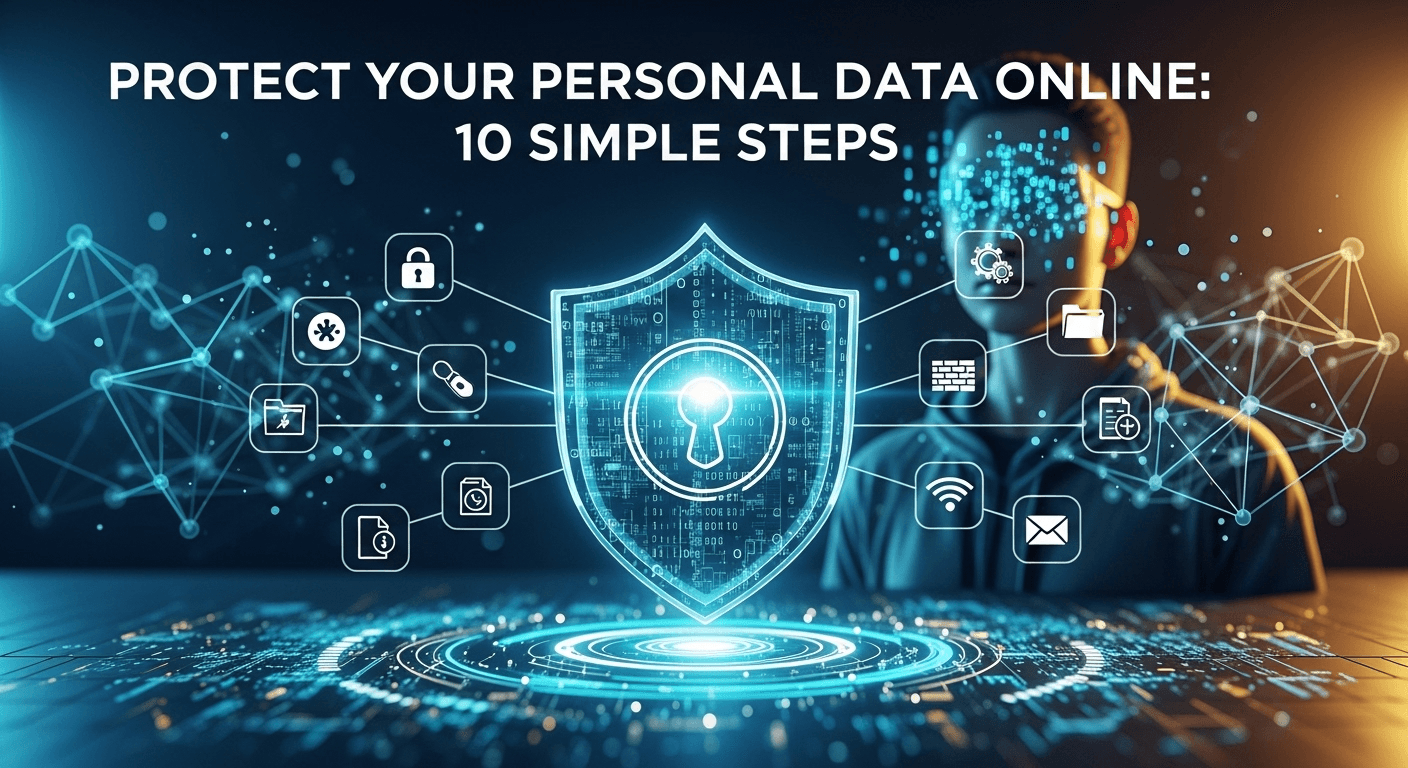
In today's hyper-connected world, our lives are intrinsically linked to the digital realm. We shop, bank, socialize, and work online, generating a vast trail of personal data every single day. While this connectivity offers unprecedented convenience, it also exposes us to significant risks, from identity theft and financial fraud to reputational damage. The question is no longer if you should be concerned about your digital privacy, but rather how to protect your personal data online effectively. This guide is designed to empower you with actionable, straightforward strategies to reclaim control over your information and build a more secure digital life. These ten simple steps are your foundational blueprint for navigating the internet safely and confidently.
Strengthen Your Digital Fortress: Passwords and Authentication
The first line of defense for nearly every online account you own is your password. Think of it as the key to your digital home. Unfortunately, too many people use weak, easily guessable keys, or worse, the same key for every single door. This practice is a primary reason why data breaches can have such a catastrophic domino effect. Once a hacker obtains your credentials from one compromised service, they will use automated tools to try that same email and password combination on hundreds of other popular sites, a technique known as "credential stuffing."
This digital vulnerability is compounded by the sheer number of online accounts the average person maintains. It's simply not humanly possible to create, remember, and manage dozens of unique, complex passwords without assistance. This is where a strategic approach to authentication becomes non-negotiable. It’s not about having a perfect memory; it's about using the right tools and adopting habits that make strong security practices second nature.
Moving beyond a simple password to a multi-layered authentication strategy is the modern standard for robust online security. This involves combining something you know (your password) with something you have (like your phone or a physical key). This approach drastically raises the barrier for unauthorized access, ensuring that even if a criminal manages to steal your password, they are still locked out of your account. By implementing the following two steps, you will transform your accounts from easily picked locks into fortified vaults.
- #### Create and Manage Strong, Unique Passwords
A strong password is your foundational defense. The era of using birthdays, pet names, or "Password123" is long over. A truly secure password must be long (at least 12-16 characters), complex (using a mix of uppercase letters, lowercase letters, numbers, and symbols), and unique (never reused across different websites or services). The most critical of these is uniqueness. If you use the same password everywhere, a breach on a single, low-security forum could give an attacker the key to your email, banking, and social media accounts.
The solution to managing this complexity is a password manager. These are encrypted digital vaults that securely store all your login credentials. You only need to remember one master password to unlock the vault. The manager can then generate incredibly strong, unique passwords for every new site you sign up for and automatically fill them in when you log in. This eliminates password reuse and weak-password habits entirely. Reputable options include Bitwarden (a popular open-source choice), 1Password, and LastPass. Using a password manager is arguably the single most impactful change you can make for your online security.
- #### Enable Two-Factor Authentication (2FA) Everywhere
Two-Factor Authentication (2FA), sometimes called Multi-Factor Authentication (MFA), is a security layer that requires you to provide a second form of verification in addition to your password. This ensures that even if someone steals your password, they cannot access your account without also having access to your second factor. It is an essential security measure that you should enable on every service that offers it, especially for critical accounts like email, banking, and social media.
There are several types of 2FA, but the most common are codes sent via SMS, codes generated by an authenticator app (like Google Authenticator or Authy), or physical security keys (like a YubiKey). While SMS is better than nothing, it is the least secure method due to the risk of "SIM-swapping" attacks. Authenticator apps are a much more secure choice. They are not tied to your phone number and generate time-sensitive codes directly on your device. For maximum security on your most important accounts, a physical security key offers the best protection against phishing and remote attacks.
Be Mindful of Your Digital Footprint
Your digital footprint is the collection of all the data you leave behind as you use the internet. This includes everything from the posts you make on social media and the comments you leave on blogs to your search history, online purchases, and location data tracked by apps. Every click, every share, and every "like" contributes to a detailed profile of who you are, what you like, and where you go. This data is incredibly valuable to marketers, data brokers, and, unfortunately, malicious actors.
Think of your digital footprint as permanent ink. Once something is posted online, it can be incredibly difficult, if not impossible, to fully erase. Screenshots can be taken, websites can be archived, and data can be scraped and stored in databases far beyond your control. This information can be aggregated to build a surprisingly accurate picture of your life, potentially revealing sensitive details that could be used for social engineering, identity theft, or even personal harassment.
Therefore, proactively managing your digital footprint is not an act of paranoia but one of prudent digital hygiene. It involves being conscious of what you share, understanding how your data is being used by the services you interact with, and taking deliberate steps to minimize your data exposure. The goal is to control the narrative and ensure that your online presence reflects what you choose to share, not what is inadvertently leaked.
- #### Limit What You Share on Social Media
Social media platforms are designed to encourage sharing, but oversharing can pose serious security risks. Seemingly harmless information, such as your pet's name, your mother's maiden name, your high school, or your date of birth, are common answers to security questions used to reset passwords. By posting this information publicly, you are essentially handing criminals the tools they need to bypass your account security.
Take a proactive approach to your social media privacy. Conduct a thorough review of the privacy settings on platforms like Facebook, Instagram, Twitter, and TikTok. Set your profile to private so only approved followers can see your content. Be selective about the friend or follow requests you accept. Avoid participating in viral quizzes or games that ask for personal information ("What's your pirate name?" which asks for your first pet's name and the street you grew up on). Critically, turn off location tagging for your posts and be mindful of sharing photos that reveal your home, workplace, or real-time location.
- #### Regularly Review and Adjust Privacy Settings
Privacy settings are not a "set-it-and-forget-it" feature. Tech companies frequently update their policies and user interfaces, and these changes can sometimes reset your customized settings to a less-private default. Furthermore, the default privacy settings on most apps and services are typically designed for maximum data collection, not maximum user privacy. It's your responsibility to regularly check and configure these settings to align with your comfort level.
Set a recurring calendar reminder—perhaps every 3 to 6 months—to conduct a "privacy audit" of your key accounts. This includes your Google account, Apple ID, Microsoft account, and major social media platforms. Look specifically for settings related to ad personalization, location history, data sharing with third-party partners, and public profile information. For example, in your Google Account's "Data & Privacy" section, you can pause and delete your Web & App Activity, Location History, and YouTube History. Taking a few minutes to do this periodically can significantly reduce the amount of data being collected about you.
Secure Your Devices and Connections
Your personal data doesn't just live on websites; it resides on and travels through your personal devices like smartphones, laptops, and tablets. Securing the services you use is only half the battle. If the device you use to access those services is compromised, or the network connection you're using is insecure, all your other security efforts can be rendered moot. A malware-infected computer can capture your keystrokes, stealing your strong passwords before they even reach the website.
Similarly, the internet connection itself is a potential point of vulnerability. When you connect to a public Wi-Fi network at a coffee shop, airport, or hotel, you are on a shared network with unknown entities. Malicious actors on the same network can potentially intercept your unencrypted traffic, a technique known as a "man-in-the-middle" attack. They can see the websites you visit and, in some cases, steal login credentials or other sensitive information you transmit.
Therefore, a holistic approach to data protection must include both device-level and network-level security. This means keeping your devices clean, updated, and protected from malware, while also ensuring that the data you transmit over the internet is encrypted and shielded from prying eyes. These next steps focus on hardening these critical entry points to your digital life.
- #### Keep Your Software and Operating Systems Updated
Software updates can feel like a nuisance, but they are one of the most critical components of your digital security. While some updates introduce new features, many contain vital security patches that fix vulnerabilities discovered by developers or security researchers. Hackers actively seek out and exploit these vulnerabilities in outdated software to install malware, ransomware, or spyware on your devices. These are often called "zero-day" exploits when they are discovered and used by attackers before a patch is available.
The simplest way to stay protected is to enable automatic updates on your operating systems (Windows, macOS, iOS, Android), web browsers (Chrome, Firefox, Safari), and other applications. This ensures that you receive security patches as soon as they are released, significantly reducing your window of vulnerability. Don't ignore update prompts. The few minutes it takes to install an update could prevent a major security breach that takes weeks or months to recover from.
- #### Use a Virtual Private Network (VPN), Especially on Public Wi-Fi
A Virtual Private Network (VPN) is a service that creates a secure, encrypted tunnel for your internet traffic. When you connect to a VPN, your data is routed through a server operated by the VPN provider, which does two key things: it encrypts your traffic, making it unreadable to anyone who might intercept it, and it masks your IP address, making it appear as if you are browsing from the VPN server's location.
While a VPN offers privacy benefits even on your home network (preventing your Internet Service Provider, or ISP, from tracking your activity), it is absolutely essential when using public Wi-Fi. Without a VPN, anyone on the same public network could potentially snoop on your activity. By encrypting your connection, a VPN makes your data completely indecipherable to eavesdroppers, protecting your logins, financial transactions, and private messages. Choose a reputable, paid VPN service that has a clear no-logs policy, as "free" VPNs often make money by selling your data.
Defend Against Scams and Phishing
While technical defenses like strong passwords and VPNs are crucial, one of the most significant vulnerabilities in any security system is the human element. Cybercriminals know this, and they have become masters of "social engineering"—the art of manipulating people into divulging confidential information or performing actions that compromise their security. This is often a more effective method of attack than trying to brute-force a password or hack a complex system.
The most common form of social engineering is phishing. This typically involves a fraudulent email, text message (smishing), or phone call (vishing) that appears to come from a legitimate source, such as your bank, a tech company like Apple or Microsoft, or even a government agency. These messages are designed to create a sense of urgency, fear, or curiosity, tricking you into clicking a malicious link, downloading an infected attachment, or providing your personal and financial information.
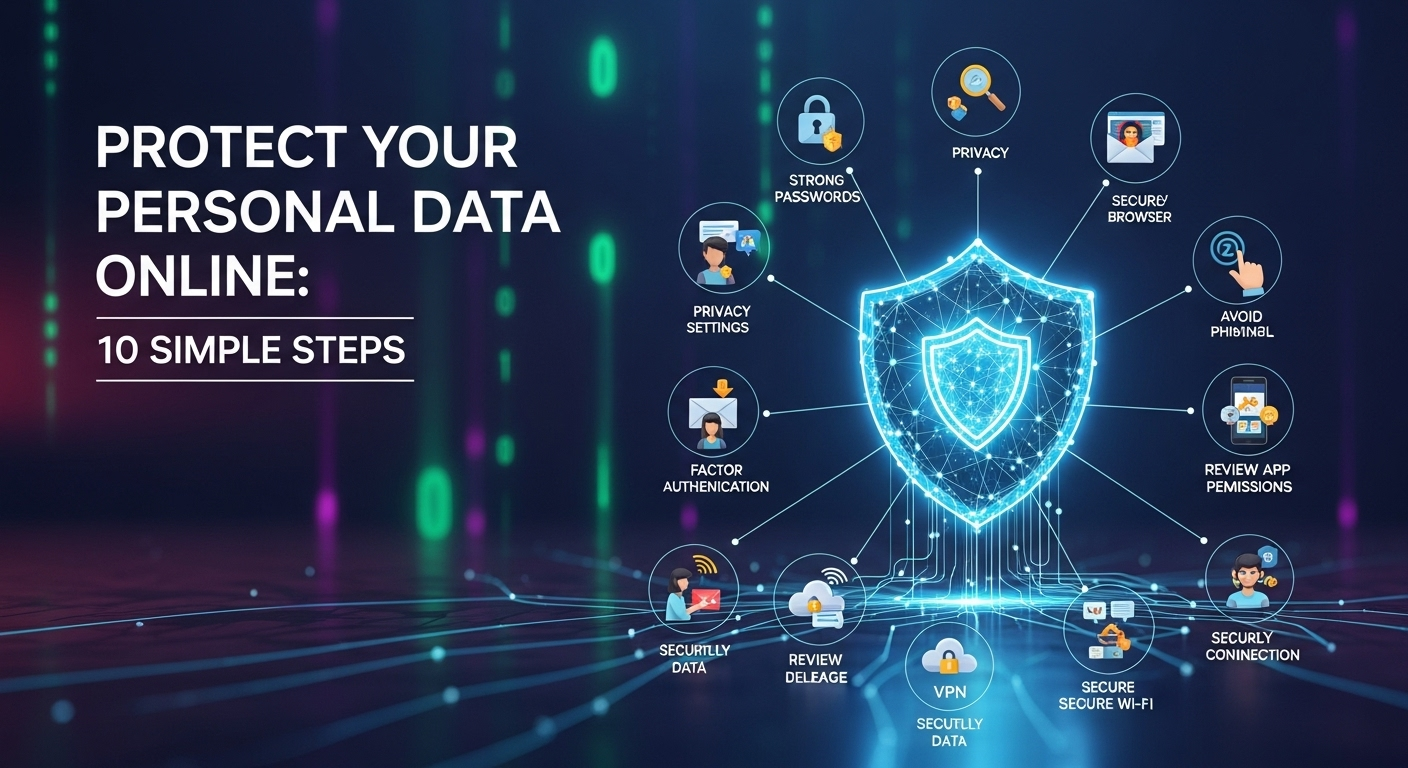
The sophistication of these scams has increased dramatically. Attackers can convincingly spoof company logos, email formats, and official-sounding language. The key to defending against these attacks is not to trust any unsolicited communication implicitly. It requires a healthy dose of skepticism and the ability to recognize the common red flags that give these scams away. Being your own best human firewall is a skill that will protect you where technical measures alone cannot.
- #### Learn to Spot Phishing Attempts
Developing an eye for phishing is a critical skill. While some attempts are obvious, others can be very convincing. Look for tell-tale signs: a sense of urgency or threats ("Your account will be suspended in 24 hours!"), generic greetings like "Dear Valued Customer," unexpected attachments, and poor grammar or spelling. However, the most important thing to inspect is the sender's email address and any links in the message.
Never click a link directly. On a computer, hover your mouse cursor over the link to see the actual destination URL in the bottom corner of your browser. On mobile, long-press the link to see a preview. If the destination URL looks suspicious or doesn't match the purported sender's official website, do not click it. If you receive an urgent request from your bank or another service, do not use the links or phone numbers in the email. Instead, go directly to the official website by typing the address into your browser or use the company's official app to verify the request.
- #### Be Cautious with Apps and Browser Extensions
Not all threats come from emails. Malicious applications and browser extensions can be another vector for data theft. When you install an app on your phone or an extension in your browser, it will ask for certain permissions. It's crucial to review these requests carefully. Ask yourself: does this app really need access to my contacts, location, microphone, and photos to function? A simple flashlight app, for example, has no legitimate reason to request access to your contact list.
Grant permissions on a "least privilege" basis—give an app only the bare minimum permissions it needs to do its job. Stick to official app stores like the Google Play Store and the Apple App Store, as they have vetting processes to weed out most malicious apps (though some still slip through). Before installing any app or extension, read the reviews, check the developer's reputation, and carefully scrutinize the permissions it requests. If it seems excessive, find an alternative.
Proactive Data Management and Cleanup
Effective data protection isn't just about building defensive walls; it's also about actively managing and minimizing the amount of data that is out there to be attacked in the first place. Over years of internet use, you have likely created dozens, if not hundreds, of accounts on various websites and services. Many of these you may have forgotten about entirely. Each of these dormant accounts represents a potential security liability.
These old accounts, often protected by old, weak, and reused passwords, are prime targets for hackers. If a data breach occurs on a service you haven't used in ten years, the credentials stolen from that breach could still be used to try to access your current, active accounts. This is why data breaches from years ago can suddenly result in a new wave of attacks. Reducing your "attack surface" is a key principle of cybersecurity.
Adopting a proactive approach to data management means consciously deciding what information you share, where you share it, and for how long. It's about periodically cleaning house, removing data that is no longer needed, and using tools that help compartmentalize your digital identity. By tidying up your digital past and being more strategic about your digital future, you make yourself a much less attractive and more difficult target for data thieves.
- #### Delete Old Accounts You No Longer Use
That account you created for a one-time purchase in 2012 or that social media platform you tried for a week and abandoned is a ticking time bomb. It likely contains your personal information—your name, email address, and an old password—and is sitting on a server, potentially unmaintained and vulnerable. It is crucial to find and delete these old, unused accounts.
This can be a daunting task, but you can start by searching your email inbox for phrases like "welcome to," "confirm your account," or "new account." This will help you identify services you've signed up for over the years. Websites like JustDelete.me provide a helpful directory with direct links and instructions on how to delete your account from numerous popular services. While you might not be able to find and delete every single one, eliminating even a dozen old accounts significantly reduces your exposure.
- #### Use Disposable Email Addresses and Privacy-Focused Services
A powerful strategy for protecting your primary email account is compartmentalization. Your main personal email address should be treated like your social security number—protected and shared only with trusted contacts and essential services (like your bank or government). For everything else—newsletters, online shopping, signing up for a new service you're just trying out—use a disposable or alias email address.
Services like SimpleLogin or AnonAddy (which can be integrated with your main inbox) allow you to create unique email aliases for every service. If one of those aliases starts receiving spam or appears in a data breach, you know exactly which service was compromised, and you can simply delete the alias without affecting any of your other accounts. In addition to email, consider using privacy-focused alternatives for your daily browsing. Search engines like DuckDuckGo don't track your searches, and browsers like Brave or Firefox offer robust, built-in tracking protection.
***
Comparing 2FA Methods
To help you choose the best Two-Factor Authentication method for your needs, here is a simple comparison table:
| Feature | SMS-Based 2FA | Authenticator App | Physical Security Key |
|---|---|---|---|
| Security Level | Medium | High | Very High |
| Vulnerability | Susceptible to SIM-swapping and network attacks. | Secure, but vulnerable if your unlocked phone is stolen. | Highest resistance to phishing and remote attacks. |
| Convenience | High (uses existing phone number). | High (uses an app on your phone). | Medium (requires a physical device). |
| Offline Use | No (requires cell service). | Yes (generates codes offline). | Yes (works via USB/NFC/Bluetooth). |
| Cost | Free | Free | One-time purchase ($20-$70+). |
***
Conclusion
Protecting your personal data online can seem like an overwhelming task, but it doesn't have to be. By focusing on these ten simple yet powerful steps, you can build a formidable defense around your digital life. It begins with creating a strong foundation of unique passwords and two-factor authentication. It continues with the daily habit of being mindful of what you share and the connections you use. And it is maintained through proactive management, regular updates, and a healthy skepticism towards unsolicited requests.
Online privacy is not a one-time project; it is an ongoing practice. Technology will evolve, and so will the threats. However, the core principles outlined in this guide—fortification, mindfulness, and proactive management—are timeless. By integrating them into your digital routine, you are not just protecting data; you are investing in your long-term security, financial well-being, and peace of mind in an increasingly connected world.
***
Frequently Asked Questions (FAQ)
Q: Is having a really strong password enough to protect my account?
A: While a strong, unique password is a critical first step, it is no longer sufficient on its own. Data breaches happen to companies, and your password can be leaked through no fault of your own. This is why Two-Factor Authentication (2FA) is essential. 2FA acts as a crucial second layer of defense, ensuring that even if a criminal has your password, they cannot access your account without the second factor (like a code from your phone).
Q: Are VPNs really necessary if I'm just browsing at home?
A: The most critical use case for a VPN is securing your connection on untrusted public Wi-Fi networks. At home, your connection is generally more secure. However, using a VPN at home still provides significant privacy benefits. It prevents your Internet Service Provider (ISP) from monitoring and logging your browsing activity, which they can legally sell to advertisers in some countries. It also helps bypass geo-restrictions and can add a layer of anonymity to your browsing.
Q: How can I find out if my personal data has already been leaked in a data breach?
A: A fantastic resource for this is the website Have I Been Pwned? (`haveibeenpwned.com`), run by security expert Troy Hunt. You can enter your email address (and even phone numbers), and it will check it against a massive database of known data breaches to see if your information has been compromised. If you find your email in a breach, you should immediately change the password for that service and any other service where you may have reused that password.
Q: Is it possible to completely erase my digital footprint?
A: Realistically, no. It is virtually impossible to completely erase all traces of your activity from the internet, especially data that has been copied, shared, or stored in various company databases and archives. However, you can significantly reduce and manage your digital footprint. By following the steps in this guide, such as deleting old accounts, limiting social media sharing, and using privacy-focused tools, you can take substantial control over your public-facing data and minimize your future exposure.
***
Summary
This article provides a comprehensive guide on how to protect your personal data online through ten simple steps. It emphasizes a multi-layered security strategy that includes strengthening account access with unique passwords managed by a password manager and enabling Two-Factor Authentication (2FA) on all critical services. The guide also stresses the importance of managing one's digital footprint by limiting what is shared on social media and regularly reviewing privacy settings. Further steps cover securing devices and connections by keeping software updated and using a VPN, especially on public Wi-Fi. Finally, it teaches users to defend against scams by learning to spot phishing attempts and being cautious with app permissions, while also advocating for proactive data cleanup by deleting old accounts and using privacy-enhancing tools like disposable emails. The goal is to empower users with actionable knowledge to build a safer and more private digital life.